
The BMad Method for Java Developers
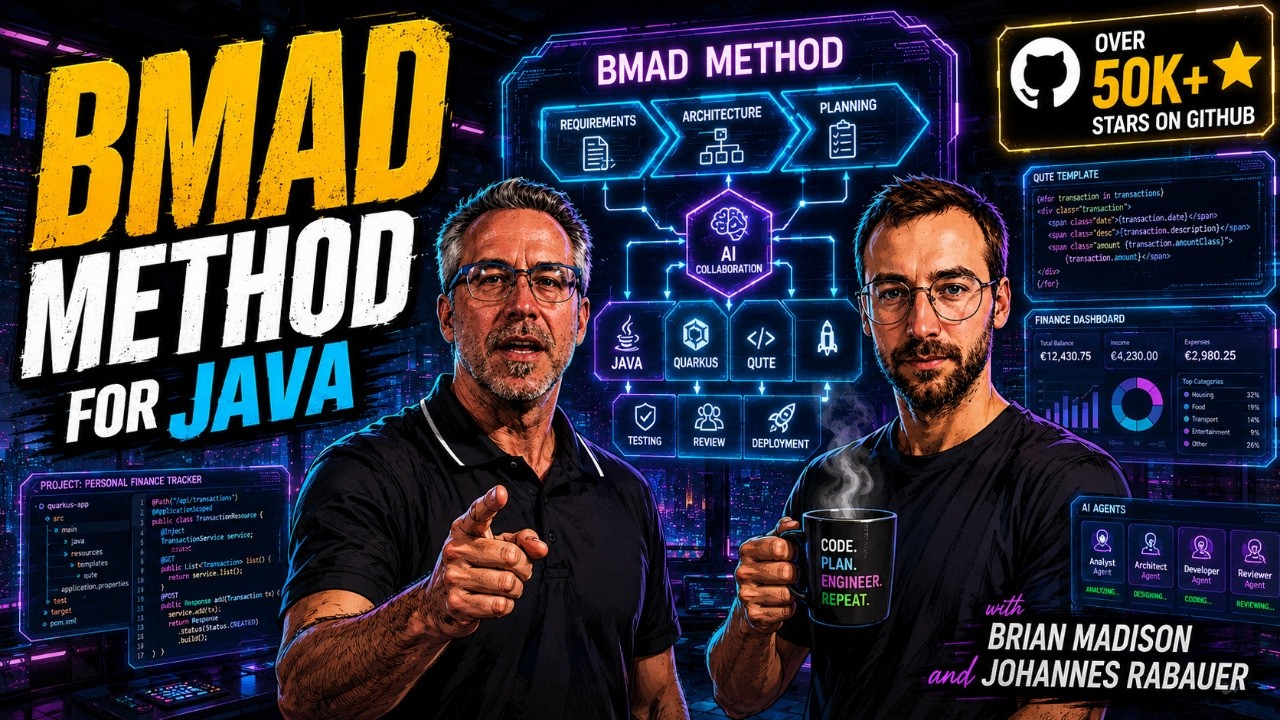
with Brian MadisonBrian Madison walked me through the BMad Method: an open-source AI workflow ecosystem built on a help-first philosophy, progressive disclosure, and the idea that documentation is the new software. We built a Quarkus finance tracker from a product brief, ran it through Party Mode, and never opened an IDE.
YouTube
The BMad Method for Java Developers
Load YouTube video
This video is embedded from YouTube and will only be loaded after your consent. When loading it, personal data may be transmitted to YouTube or Google and cookies may be set.
More details are available in the privacy policy.
Project Source
Working Repository
Explore prompts, instructions, and examples used in the live modernization workflow.
Open repositorySession Timeline
- 00:00Intro and welcome
- 00:36Guest introduction: Brian Madison (BMAD)
- 01:37Brian's background: military, early career, Java/simulation work
- 05:04Rise of AI coding assistants
- 07:53Cursor and Sonnet 3.5: agent mode breakthrough
- 10:07Early "vibe coding" experiments and failures
- 12:54Origins of the BMad method
- 16:04Key insight: AI as facilitator vs. "better Google"
- 18:05Evolution of context windows
- 20:05How Claude Skills changed the game (progressive disclosure)
- 23:13Writing leaner, goal-driven skills
- 27:38Why LLMs are bad at writing their own skills
- 29:39The BMad Builder and email-driven design
- 37:00Demo begins: installing BMad
- 41:24Overview of BMad modules
- 44:57Using the /bmad help system
- 52:11Creating a product brief
- 01:04:38Party Mode demo
- 01:19:33Editorial polish pass on the brief
- 01:24:29Explaining the BMad Spec skill
- 01:29:56Switching to QuickDev
- 01:36:06Brownfield vs. greenfield project workflows
- 01:43:32Prototyping-first workflow advice
- 01:46:25BMad Brainstorming and PR FAQ
- 01:52:18Wrap-up thoughts on the framework
- 01:53:39Closing remarks
Brian Madison joined me for a session about the BMad Method: a nickname that grew into an open-source AI workflow ecosystem used by thousands of teams. We built a personal finance tracker with Quarkus from scratch, but the method behind it was the real story.
The BMad Method is easy to misread from the outside. It behaves more like a well-organized workshop than a prompt library or a coding framework. /bmad help is the tool board on the wall. Skills are labeled drawers you open only when you need them. The same workbench handles brainstorming, planning, architecture, or code.

Co-Speaker
Brian Madison
Creator of the BMad Method
Brian Madison created the BMad Method, an open-source AI workflow framework with over 51,000 GitHub stars. With 25+ years in software from NASA simulations and military systems at Northrop Grumman to leading AI transformation at Extend, he brings a systems-level view of how structured AI collaboration should work.
Help as the Centerpiece
Start with the help system. No memorizing skill names, module paths, or a fixed first step. Type /bmad help, describe what you want, and it looks at your installed modules, existing artifacts, and current context to suggest the next move.
At 34 workflows across multiple modules, the barrier isn't skill quality. It's knowing which one to use, and when. The help system fixes that: a universal starting point, a tool board that shows only what the job in front of you needs.
In the demo I described a personal finance tracker: a self-hosted hobby project for my family, built with Quarkus and Qute templates. The help system read the context, noticed no artifacts existed yet, and offered a few starting points: product brief, PRD, PRFAQ, or straight into a prototype. Every path is valid.
Smaller Context, Better Results
Brian spent much of the session on progressive disclosure: keep skill descriptions minimal, load the full instructions only when the AI actually needs them.
He shared an example from his own work: an early skill ran 2,000 lines of step-by-step instructions. Progressive disclosure had already split it into subfiles, but it stayed overly regimented.
I threw all of that out and replaced it with a paragraph, three sentences. I got about 99% of the same experience.
The shift: stop telling the AI how to do the job, start telling it what outcome you want. Brian compared it to assigning a key result and letting the model find its own path, more like managing an experienced colleague than training a junior.
This works because the models themselves got better. Long, procedural prompts used to compensate for weaker reasoning. Now the bottleneck is goal clarity, not instruction detail. Leaner skills mean smaller context: lower token costs, fewer hallucinations.
A Modular Ecosystem, Not a Framework
BMad offers several paths to the same result: brainstorming, a product brief, a full PRD, a UX spec, a prototype, or an architecture document. You choose the entry point, and the modules go beyond code too, covering game design, creative brainstorming, and enterprise testing. In the demo we went from product brief to BMad Spec to QuickDev, letting four sub-agents check the code from different angles.
Party Mode
One of the more unusual features is Party Mode: a multi-persona session where several AI agents, each with a different role, discuss the same artifact.
In the demo, a product manager, an architect, an analyst, and a scrum master each reviewed the product brief from their own angle. The PM pushed for clearer scope. The architect flagged missing non-functional requirements. The analyst asked about edge cases. Together they caught what a single agent would have missed.
Brian's framing: an LLM sits on a bell curve, defaulting to average, middle-of-the-road answers. Party Mode forces it past that average by holding multiple viewpoints in the same session. It works for code, but also for trip planning or team process decisions.
Documentation as the New Software
Brian argues for treating markdown as a first-class development artifact. Product briefs, specs, architecture docs, and skills aren't static records; they actively guide the AI through development.
Most of the code that is being written right now is markdown.
Documentation becomes executable knowledge. Update the spec when requirements change, and the AI propagates that change into the code. The document is the source of truth, not a summary written after the fact.
This fits Java teams well: specs match the structured, reviewable work they already do. Whether you're on Quarkus, Spring Boot, or a legacy Jakarta EE codebase, the pattern holds: write the spec, let the AI implement it, keep the spec current as the system evolves.
Getting Started
BMad Method is open source under the MIT license and installs with a single command:
npx bmad-method installThe installer walks you through module selection, IDE support (Copilot, Claude Code, Cursor, and others), and project preferences. It writes the configuration files and skill directories into your project, or a parent workspace folder.
For this session we used Copilot with Claude 4.8 Sonnet on a Quarkus project, though BMad works across IDEs and LLM backends. The finance tracker demo repository is available for reference.
Final Thought
BMad Method matters because it builds a system where structured knowledge, modular workflows, and the right amount of AI autonomy reinforce each other. The help system lowers the entry barrier. Progressive disclosure keeps context lean. Treating documentation as software keeps results maintainable.
For Java developers still using AI tools as autocomplete on steroids, this is a different starting point: describe what you want to build, and let the workshop guide you.
Useful Links
- BMad Method GitHub: main repository with documentation and community
- BMad docs: tutorials, guides, and concept reference
- BMad website: web bundles and overview
- BMad Discord: community discussions
- Finance tracker demo repository: the project built live during the session
- Quarkus: Java framework used in the demo
Comments
Load comments from GitHub optionally
The comment section is provided via Giscus and GitHub Discussions. It will only be loaded after your explicit consent. When loading it, personal data such as your IP address and technical metadata may be transmitted to GitHub, and cookies or similar technologies may be set.
Please confirm first before loading the comment section.