
From Prompt to Production: A Workflow for AI-Assisted Development
A solo session on the workflow that beats chasing the newest model: four phases, Decide, Set Up, Build, Ship & Automate, plus a live demo from an empty repo to a spec, project rules, and automatic PR reviews.
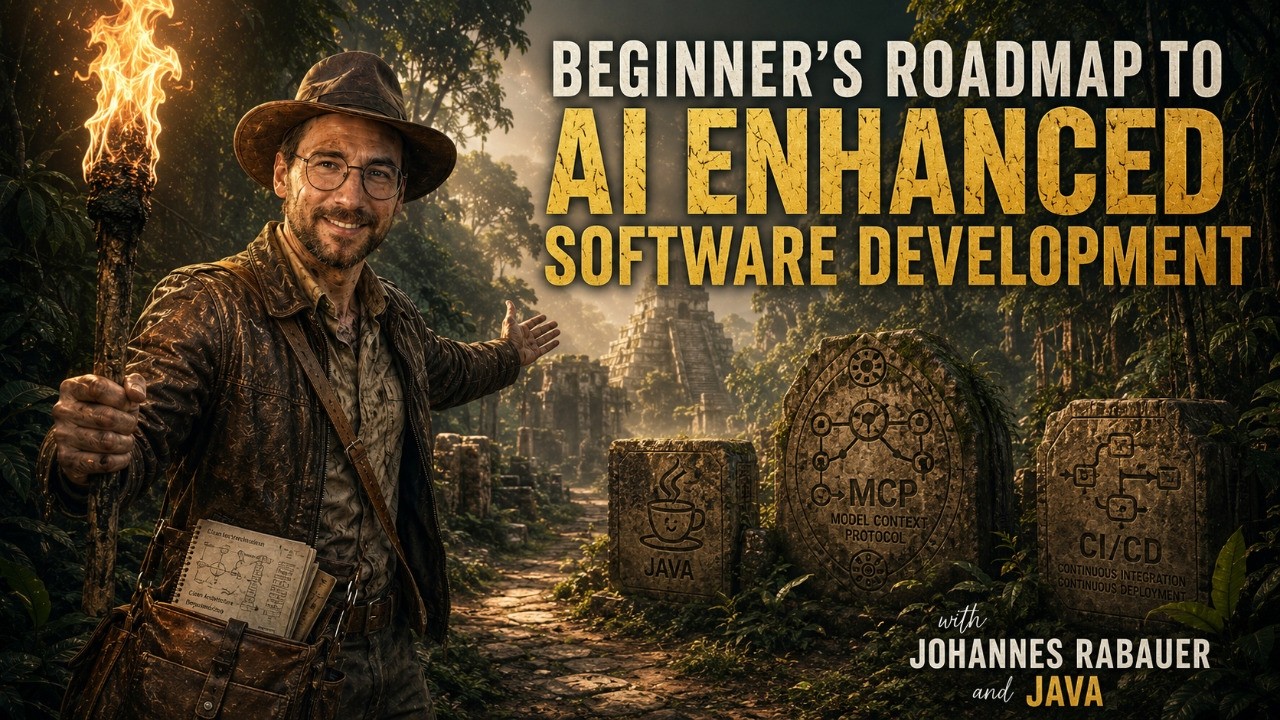
YouTube
From Prompt to Production: A Workflow for AI-Assisted Development
Load YouTube video
This video is embedded from YouTube and will only be loaded after your consent. When loading it, personal data may be transmitted to YouTube or Google and cookies may be set.
More details are available in the privacy policy.
Session Timeline
- 00:00Intro and session agenda
- 01:33AI developer workflow overview
- 03:11Risks first: copyright, ethics, data security
- 06:57Full AI coding vs AI-assisted coding
- 09:57Picking a cost-effective AI provider
- 12:03Choosing your AI harness: local vs cloud
- 17:56Docker Sandbox and safer YOLO mode
- 22:19Choosing the right model (quality, speed, cost)
- 29:53Context engineering: Agents.md, skills, and rules
- 39:26MCP servers explained (IntelliJ, JavaDocs, Context7)
- 44:02Choosing language and framework pragmatically
- 46:50Build phase: plan before prompt
- 52:44Reviews in AI workflows (and risk thinking)
- 57:02Tests and automated checks as guardrails
- 01:01:03Git strategy for AI coding (small commits, branches, PRs)
- 01:02:59Shipping and automation (CI/CD early)
- 01:04:23Loop engineering and cost trade-offs
- 01:07:29Workflow recap and key takeaways
- 01:10:32Live coding starts: empty repo setup
- 01:11:46Adding and testing IntelliJ MCP in Copilot CLI
- 01:14:11Installing and using the grilling skill
- 01:17:32Defining the Spring Boot project idea
- 01:20:04Requirement grilling and scoping decisions
- 01:25:59Generating spec and project rules (Agents.md)
- 01:29:01Creating GitHub issues from the spec
- 01:30:42Enabling automatic Copilot PR reviews
New models ship every month, and each one arrives with the same promise: this is the one that changes everything. After spending a lot of time building with AI, I keep coming back to a less exciting conclusion: workflow matters more than model choice.
This was a solo session, and I split it into two clear halves: in the first half I explained the workflow that has held up best in my own projects, and in the second half I demonstrated it live. The demo started with an empty repository and ended with a spec, project rules, GitHub issues, and automatic pull request reviews. The whole process fits into four phases: Decide, Set Up, Build, Ship & Automate.
Before you begin: are you even allowed to use AI?
Before the first prompt, it helps to be honest about four things (03:11). This is not about being anti-AI. It is about understanding the tradeoffs you are taking on.
- Copyright and others' work. Models can occasionally reproduce licensed code word for word, and training data includes other people's work. Know what you're legally allowed to ship, and treat generated code as something to review and understand, not something to pass off as your own.
- Data security. Your prompts and code may leave your machine. Know what you're sending, and to whom, before proprietary code or customer data goes into a cloud service.
- Environmental cost. Heavy use has a genuine energy footprint. It's fair to ask whether a given task actually justifies it.
None of this means you should avoid AI. It just means you should know the terms on which you are using it.
Phase 1: Decide
Most developers spend too much time comparing models. In practice, a few earlier choices have a bigger effect on the result.
Full AI or AI-assisted? (06:57) Is the AI doing the driving, or is it assisting while you steer? For prototypes and early exploration, handing over more control can be fast. For production systems or safety-critical work, keeping the developer in charge is usually the better trade. Both approaches can work. What matters is making the choice on purpose.
Find a cost-effective provider. (09:57) Price differences are often much larger than quality differences. A little comparison work up front can save a surprising amount over time. A useful starting point is Price per Token for coding assistants, though price tables can become outdated quickly.
Pick a harness. (12:03) This is the environment you sit in all day. CLI or desktop, cloud or local: local keeps the work on your own machine and tools, while cloud lets you hand off a job and come back later. If you want agents to have broad access, a Docker Sandbox gives you a much safer version of YOLO mode (17:56).
Choose the model per task. (22:19) There is no single best model. Use something cheap and fast for routine edits, then step up to a larger model only when the task is hard or you are blocked. In practice, you rarely get top quality, high speed, and low cost at the same time.
Phase 2: Set Up
Tell the AI about your project once. (29:53) A single file in the repo, whether it is called Agents.md, CLAUDE.md, or something else, can carry the project facts, conventions, and rules into every prompt. That removes a lot of repetition. The best context is short, current, and specific to the codebase. More text is not automatically better.
Add MCP servers. (39:26) The Model Context Protocol lets the AI work with your tools directly instead of through copy and paste. In the session I used IntelliJ MCP, the JavaDocs.dev MCP server, and Context7 for current library documentation. In day-to-day work, that kind of access matters more than squeezing out a small gain from model selection.
Choose a language and framework. (44:02) Use what you know, or what fits the problem well. This choice still matters, but it matters less than it once did.
Phase 3: Build
This is the part you repeat every day, and it comes down to a few habits.
Plan before you prompt. (46:50) Five minutes of planning is usually worth more than fifty lines of code aimed at the wrong target. Define what done means first. Keep the plans that should last in the repo, and do not over-invest in temporary ones.
Build in small iterations. Small requests tend to produce small diffs. Those are easier to review and easier to revert if something goes wrong. They also keep the AI on one problem instead of encouraging it to wander.
Review with judgment. (52:44) You do not need to inspect every single line with the same level of attention. You do need to decide where risk is highest and review accordingly.
Let deterministic tools do the checking. (57:02) The AI should not be the final judge of its own output. Give it unit tests, linters, formatters, static analysis, and security scans. A clear pass or fail is better than vague confidence. If the tool can run a command and read the output, it can often correct the issue on its own.
Use Git aggressively. (01:01:03) Commit often. Every known-good state gives you a reliable point to return to. I also try not to hand-edit generated code unless I have to, because larger manual changes can break the assumptions behind the next prompt.
Phase 4: Ship & Automate
The interesting shift comes later (01:02:59). Once a project has reliable tests, continuous integration, deployment automation, and clear success criteria, an AI agent can handle larger chunks of work with much less supervision.
This is where loop engineering comes in (01:04:23). Instead of specifying every step, you define the objective, the constraints, the success criteria, a budget, and the stopping conditions. Then you let the agent iterate until the work is done or the budget is exhausted. These loops can consume tokens quickly, so the budget needs to be explicit. The trust moves away from the model alone and toward the surrounding tooling.
Live: from empty repo to automatic PR reviews
After the recap (01:07:29), I switched to a live demo. Starting from an empty repo (01:10:32), I added the IntelliJ MCP inside Copilot CLI (01:11:46) and installed a "grilling" skill (01:14:11) that forces requirement questions before code exists.
From there, the flow was straightforward: define a Spring Boot idea (01:17:32), let the skill push on the requirements and force real scoping choices (01:20:04), and then generate a spec plus project rules in Agents.md (01:25:59). That spec turned into GitHub issues (01:29:01), and automatic Copilot PR reviews (01:30:42) finished the setup. At that point, the AI is part of a repeatable pipeline instead of a one-off prompt.
Key takeaways
If I had to compress the session into one point, it would be this: stop treating AI development as a prompt-writing trick and start treating it as a workflow problem. The model matters, but the bigger gains come from choosing the right level of control, giving the tool solid context, working in small steps, and verifying everything with deterministic checks.
The part that changes the game is not faster typing. It is building a delivery pipeline that an AI tool can participate in without lowering your standards. That is where the practical value starts to compound.
Useful Links
Comments
Load comments from GitHub optionally
The comment section is provided via Giscus and GitHub Discussions. It will only be loaded after your explicit consent. When loading it, personal data such as your IP address and technical metadata may be transmitted to GitHub, and cookies or similar technologies may be set.
Please confirm first before loading the comment section.